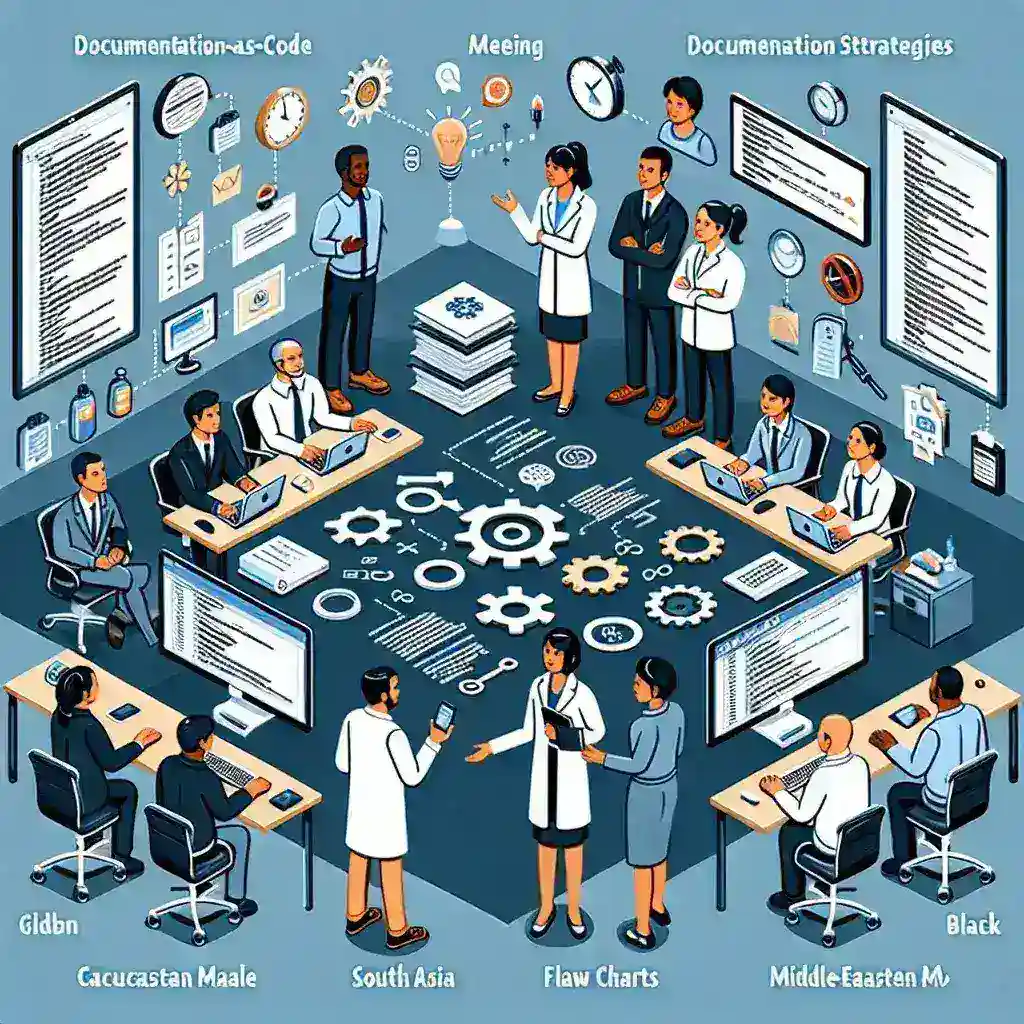
In today’s fast-paced software development landscape, traditional documentation approaches often fall short of meeting the dynamic needs of engineering teams. The emergence of documentation-as-code (DaC) has revolutionized how technical teams create, maintain, and distribute knowledge. This methodology treats documentation with the same rigor as source code, incorporating version control, automated testing, and collaborative workflows that mirror modern development practices.
Understanding Documentation-as-Code: A Paradigm Shift
Documentation-as-code represents a fundamental shift from static, isolated documentation to living, breathing knowledge systems that evolve alongside your codebase. This approach integrates documentation directly into the development workflow, ensuring that information remains current, accurate, and accessible to all stakeholders.
The core principle behind DaC lies in treating documentation as a first-class citizen in the development process. Just as code undergoes rigorous review, testing, and deployment procedures, documentation follows similar quality assurance protocols. This methodology addresses common pain points such as outdated information, inconsistent formatting, and knowledge silos that plague traditional documentation systems.
Essential Features of Modern Documentation-as-Code Tools
When evaluating documentation-as-code platforms, engineering teams should prioritize several critical capabilities that distinguish exceptional tools from basic solutions:
- Version Control Integration: Seamless integration with Git repositories enables teams to maintain documentation history, track changes, and collaborate effectively
- Automated Publishing: CI/CD pipeline integration ensures documentation updates deploy automatically with code changes
- Markdown Support: Native markdown processing allows developers to write documentation using familiar syntax
- Search Functionality: Robust search capabilities help team members quickly locate relevant information
- Collaborative Editing: Real-time collaboration features facilitate knowledge sharing across distributed teams
- API Documentation: Automated API documentation generation from code comments and specifications
Leading Documentation-as-Code Platforms
GitBook: The Developer-Friendly Documentation Platform
GitBook stands out as a premier documentation-as-code solution that bridges the gap between technical precision and user-friendly design. This platform excels in creating beautiful, searchable documentation that integrates seamlessly with existing development workflows.
Key advantages of GitBook include its intuitive editor that supports both markdown and WYSIWYG editing modes, making it accessible to both technical and non-technical team members. The platform’s Git synchronization feature ensures that documentation remains synchronized with code repositories, while its powerful search functionality helps teams quickly locate specific information across large documentation sets.
GitBook’s collaboration features enable real-time editing, commenting, and review processes that mirror code review workflows. The platform also offers extensive customization options, allowing teams to maintain brand consistency and create documentation that reflects their organization’s identity.
Sphinx: The Python-Powered Documentation Generator
Sphinx has established itself as the gold standard for technical documentation, particularly within the Python ecosystem. This powerful tool transforms reStructuredText markup into various output formats, including HTML, PDF, and ePub, providing unmatched flexibility for documentation distribution.
The platform’s strength lies in its extensibility and integration capabilities. Sphinx can automatically generate API documentation from docstrings, create cross-references between different documentation sections, and support multiple output themes. Its plugin ecosystem allows teams to customize functionality according to specific requirements.
For engineering teams working with Python projects, Sphinx offers native integration with code documentation, making it possible to maintain documentation alongside source code with minimal overhead. The tool’s ability to generate professional-looking documentation from simple text files makes it an excellent choice for teams prioritizing automation and consistency.
Notion: The All-in-One Workspace Solution
While not exclusively a documentation-as-code tool, Notion has gained significant traction among engineering teams for its versatility and collaborative features. The platform combines documentation, project management, and knowledge sharing in a unified workspace that adapts to various team workflows.
Notion’s block-based editing system allows teams to create rich, interactive documentation that includes databases, kanban boards, calendars, and multimedia content. This flexibility makes it particularly valuable for teams that need to combine technical documentation with project planning and team communication.
The platform’s API and integration capabilities enable automation workflows that can sync with external tools and services. Teams can create custom templates, automate content updates, and establish documentation standards that scale across large organizations.
Docusaurus: Facebook’s Open-Source Documentation Platform
Docusaurus represents Facebook’s approach to modern documentation, offering a React-based platform that prioritizes performance, accessibility, and developer experience. This open-source solution excels in creating fast, SEO-friendly documentation sites that can handle high traffic volumes.
The platform’s strength lies in its modern architecture and extensive customization capabilities. Teams can leverage React components to create interactive documentation elements, integrate with existing design systems, and optimize for search engine visibility. Docusaurus also supports internationalization out of the box, making it suitable for global engineering teams.
Version control integration ensures that documentation updates deploy automatically through CI/CD pipelines, while the platform’s plugin ecosystem enables integration with popular development tools and services.
MkDocs: Python-Powered Static Site Generation
MkDocs offers a lightweight yet powerful approach to documentation generation, focusing on simplicity and ease of use. This Python-based tool transforms markdown files into beautiful, responsive documentation sites with minimal configuration requirements.
The platform’s material theme has become particularly popular among engineering teams for its clean design and excellent mobile responsiveness. MkDocs supports real-time preview during development, making it easy for teams to iterate on documentation content and see changes immediately.
Integration with popular hosting platforms like GitHub Pages, Netlify, and Vercel enables teams to deploy documentation sites with minimal infrastructure overhead. The tool’s plugin system allows for extending functionality while maintaining the core simplicity that makes MkDocs attractive to development teams.
Implementation Strategies for Documentation-as-Code
Successfully implementing documentation-as-code requires careful planning and consideration of team workflows, technical requirements, and organizational culture. Teams should begin by assessing their current documentation practices and identifying specific pain points that DaC tools can address.
The migration process should be gradual, starting with high-impact documentation areas such as API references, onboarding guides, and technical specifications. This approach allows teams to demonstrate value quickly while building confidence in the new methodology.
Establishing clear documentation standards and review processes ensures consistency and quality across all documentation artifacts. Teams should define templates, style guides, and contribution guidelines that align with their development practices and organizational standards.
Best Practices for Documentation-as-Code Success
Successful documentation-as-code implementation relies on several critical best practices that maximize the value of these tools while minimizing friction in adoption.
Automate Everything Possible: Leverage automation to reduce manual overhead and ensure consistency. This includes automated testing of documentation links, spell checking, and formatting validation.
Establish Clear Ownership: Assign documentation ownership to specific team members or roles to ensure accountability and maintenance responsibility.
Integrate with Development Workflows: Make documentation updates part of the standard development process, requiring documentation changes alongside code modifications.
Prioritize User Experience: Focus on creating documentation that serves real user needs rather than simply documenting features for the sake of completeness.
Measure and Iterate: Use analytics and user feedback to continuously improve documentation quality and relevance.
Future Trends in Documentation-as-Code
The documentation-as-code landscape continues evolving, with emerging trends pointing toward increased automation, artificial intelligence integration, and enhanced collaborative capabilities. Machine learning algorithms are beginning to assist with content generation, translation, and quality assessment, while natural language processing tools help identify gaps and inconsistencies in documentation coverage.
Interactive documentation experiences are becoming more sophisticated, with tools supporting embedded code examples, live API testing, and dynamic content generation. These capabilities transform static documentation into interactive learning environments that accelerate developer onboarding and reduce support overhead.
The integration between documentation tools and development environments continues deepening, with IDE plugins and editor extensions making it easier for developers to create and maintain documentation without leaving their familiar workflows.
Conclusion: Choosing the Right Tool for Your Team
Selecting the optimal documentation-as-code tool depends on various factors including team size, technical expertise, existing toolchain, and specific documentation requirements. Teams should evaluate tools based on their integration capabilities, ease of use, scalability, and long-term maintenance requirements.
The investment in proper documentation-as-code tooling pays dividends through improved knowledge sharing, reduced onboarding time, and enhanced team productivity. By treating documentation with the same rigor as source code, engineering teams can create sustainable knowledge systems that grow and evolve alongside their projects.
Success in documentation-as-code ultimately depends not just on tool selection, but on organizational commitment to treating documentation as a critical component of the software development lifecycle. Teams that embrace this mindset will find themselves better equipped to handle the complexities of modern software development while maintaining the knowledge systems necessary for long-term success.








Leave a Reply